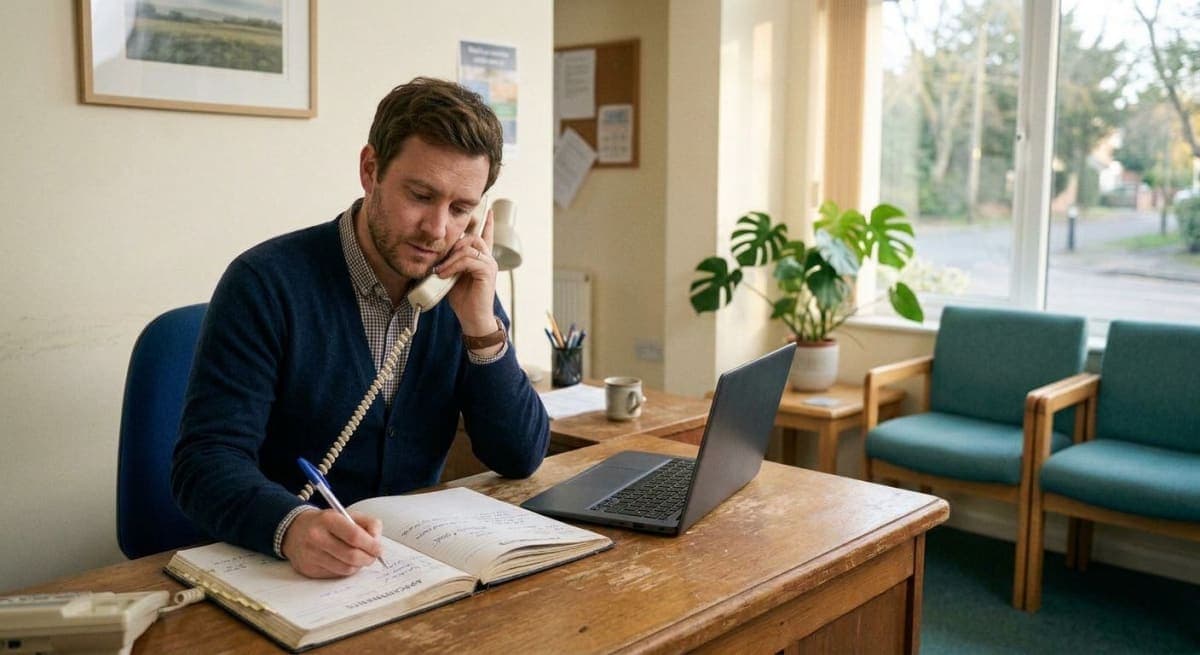
The phone is a terrible booking desk. It rings in a session. It goes to voicemail at 7pm. The patient who wanted Thursday 4pm hangs up and does not call back. That is not a “patient engagement” problem. It is a missing booking page.
An online appointment booking system, in the small-clinic sense, is a link the practice already owns: open times, pick a slot, done. It is not a hospital OS, not an EMR, and not a promise that software will fill every hole in the diary. Combined with reminders, it is the path book → confirm → remind → attend (or move the hour while you can still fill it).
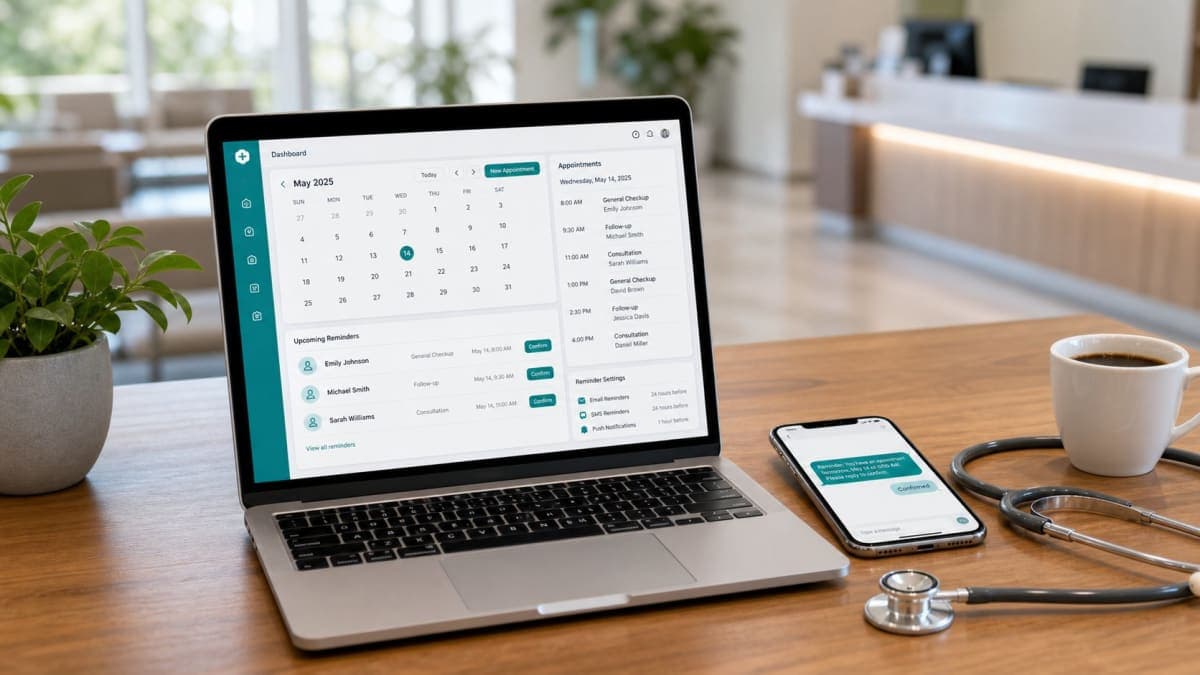
Orvexify is built as that pairing: a clinic booking page, then email at 24 hours, 2 hours and 30 minutes. WhatsApp is Growth and Pro (waitlist). No SMS.
If empty hours already hurt, put your fee and DNA count in the no-show cost calculator before you buy anything.
What “online booking” actually means here
Patients open a page, see what is free, and take a time. They do not create an account. They do not download an app. Reception is not typing the same name into a paper diary while the line waits.
After the slot exists, a confirmation email should already contain date, time, clinic, and one-tap confirm / cancel / reschedule. Reminders later are useless if the patient is not sure they booked.
That is narrower than “clinic management software.” Notes, billing, insurance, and a full staff roster are a different product. If you need those, you are shopping Jane or similar — not a reminder layer. See how Orvexify works for the actual steps.
Why the phone-only diary fails small clinics
- Double-booking when two people write in the same box.
- No-shows from bookings that were never confirmed in writing.
- After-hours demand with nobody to answer.
- Reschedule = another call, so they ghost the slot instead.
- The therapist finishes a session to a voicemail pile, not a full next week.
A link does not make patients nicer. It stops “I couldn’t get through.”
Booking without reminders is half a system
A page that only collects names still leaves you with a silent Thursday. The hour is saved when:
- The booking is confirmed in email the moment it is made.
- Reminders fire at 24 hours, 2 hours and 30 minutes.
- Cancel / reschedule is one tap, so a waitlist patient can take the gap.
Timing is spelled out in email vs WhatsApp reminders. Short version: email is live on every Orvexify plan; WhatsApp is not on Starter.
Physio-shaped version of the same diary: improve appointment attendance at a physio clinic.
What to look for (and what to ignore)
Need
- A public booking page with the clinic’s name on it.
- Slots that disappear when taken.
- Confirmation email, then 24h / 2h / 30 min.
- Confirm, cancel, reschedule without a patient login.
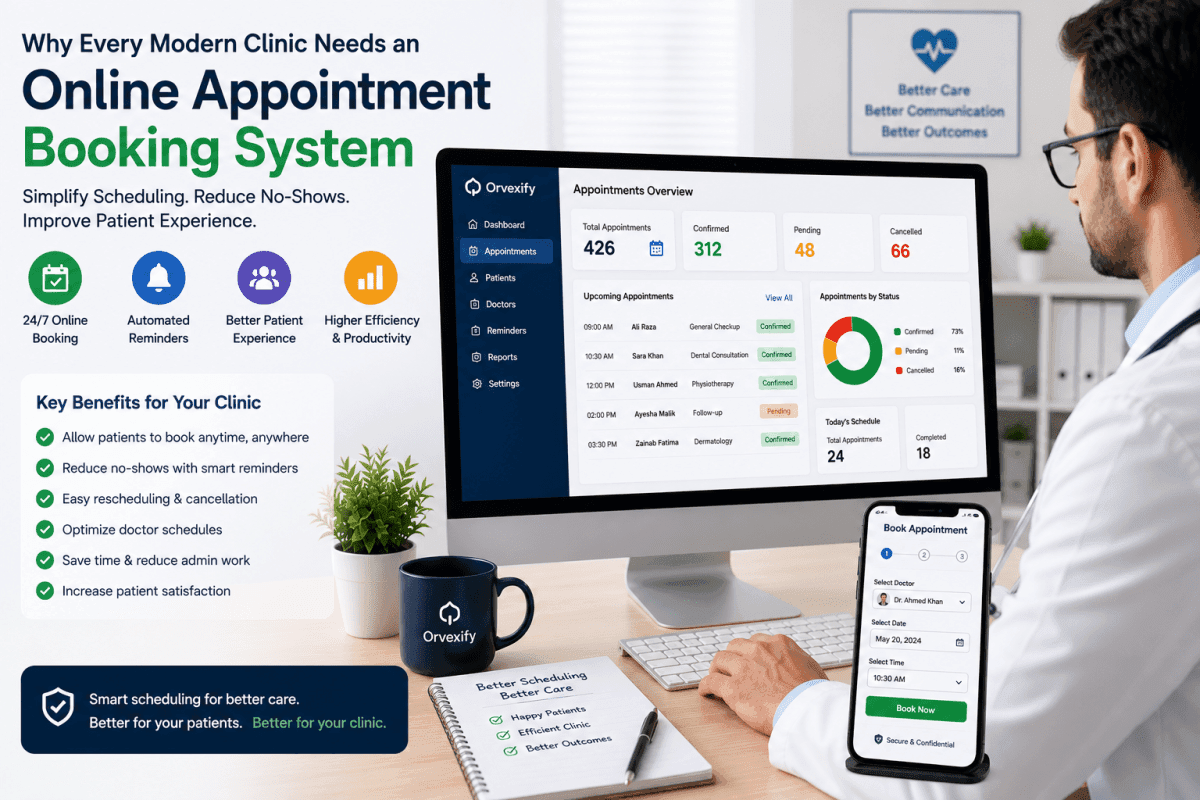
- A dashboard of coming / pending / cancelled.
Do not require on day one
- SMS (Orvexify does not send it).
- WhatsApp, unless you are ready to wait for Growth/Pro.
- “AI no-show prediction,” fake 70% badges, or a 20-module PMS.
Appointment confirmation is the tap after they book — keep it in the same product as the page.
Does online booking reduce no-shows by itself?
It reduces friction. Reminders reduce forgetting. Reschedule reduces silent DNAs. Together they move attendance. None of that is a published Orvexify 70% result. Count your own completed vs DNA vs late cancel for four weeks after you switch the link on.
How Orvexify does booking
Orvexify is not a hospital EMR.
Starter — live, $14.99/month (or $149.90/year): one clinic, two doctors, 300 appointments / month, custom booking page, email reminders at 24 hours, 2 hours and 30 minutes, one-click confirm / cancel / reschedule, dashboard. No patient app. No card to create an account.
Growth and Pro — waitlist: WhatsApp on the same reminder times, more doctors, branding / white-label on Pro. Google Calendar is coming soon, not live.
Staff still need a way to put a phone booking into the diary. If someone calls, you add them — the reminders should still fire. That is not “full PMS.” It is the same appointment object.
Plain numbers: pricing. Feature list: features.
A week to switch, not a six-month IT project
- Put the booking link on Google Business, the website, and the after-visit email.
- Turn off “call us to book” as the only path — keep the phone for people who want it.
- Confirm every new slot by email.
- Leave 24h / 2h / 30 min on.
- Keep a short waitlist for cancelled hours.
Then stop adding channels until email is boringly reliable.
FAQs
Why does a clinic need an online appointment booking system?
So patients can take a slot when reception cannot pick up — evenings, during a session, from a phone. The diary stays accurate if taken times disappear, and reminders can start the moment the booking exists.
Does online booking replace the phone?
No. It catches the people who will not wait on hold. Keep the number. Stop using it as the only door.
Do patients need an app to book?
Not with Orvexify. The clinic shares a link. They pick a time in the browser.
Does Orvexify include reminders after booking?
Yes. Email at 24 hours, 2 hours and 30 minutes on every live plan. WhatsApp on Growth and Pro (waitlist). No SMS.
Is this clinic management software?
No. Booking page + reminders + a who-is-coming dashboard. Not charting, billing, or a hospital EMR.