A lot of reminder software sells “open rate” as if it were attendance.
It is not.
An open means a mail client fetched something — often a one-pixel image. Gmail does that in the background. A preview pane does that. A security scanner does that. None of those people have said they are coming at 10:30.
If your morning list treats Opened as Confirmed, you will plan the room on a ghost.
This is not another page about why people miss visits. It is about what the dashboard is allowed to mean.
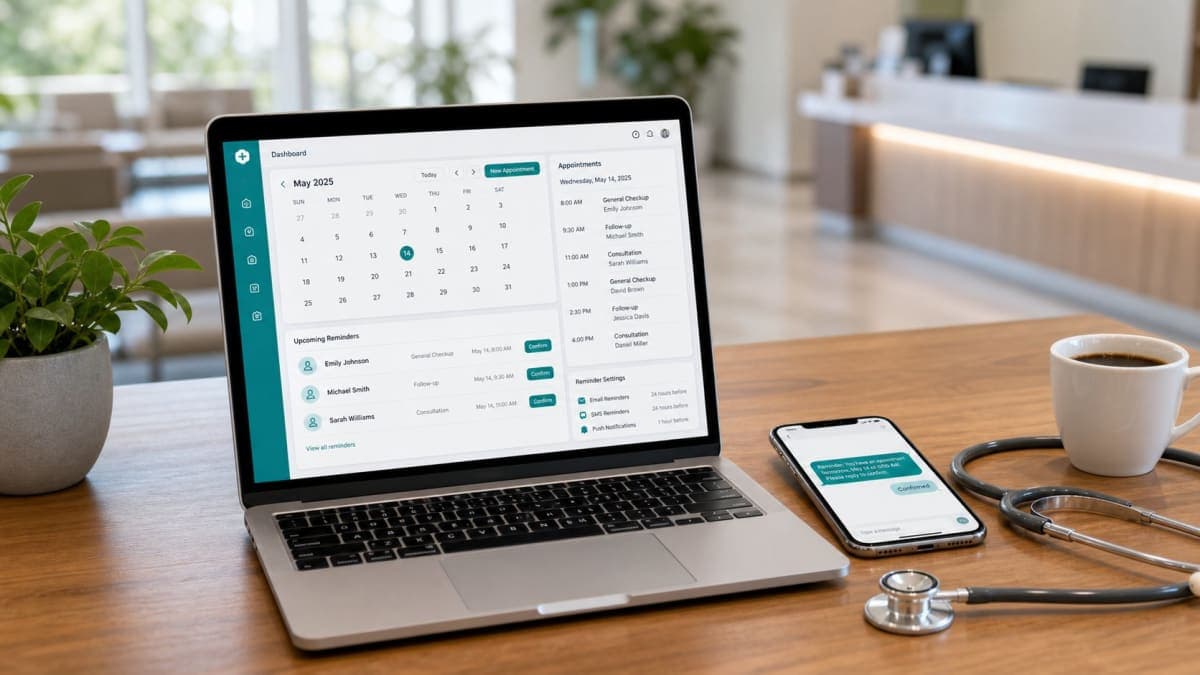
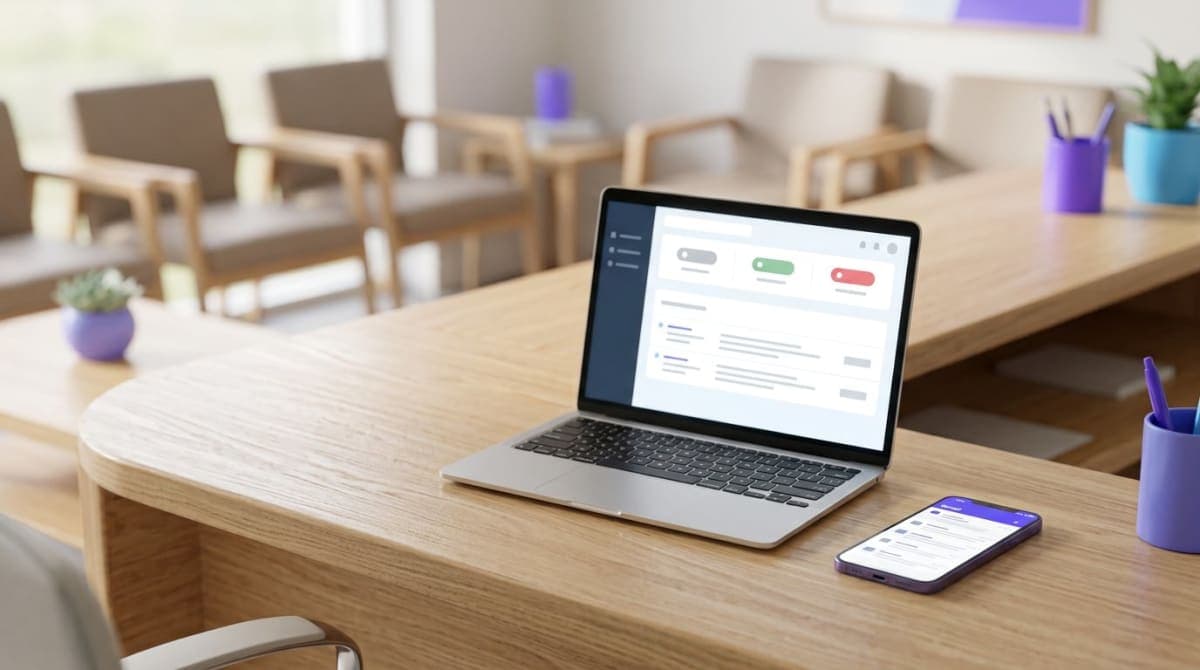
Orvexify is a booking page plus email reminders: 24 hours, 2 hours, and a 30-minute note. Patients tap Confirm or Cancel in the mail. No patient app. Staff see pending, confirmed, cancelled. We do not publish a 70% figure. Your diary is the score.
Three facts, not one blob
Keep these separate or the software is theatre.
Sent
The mail left. That is all. It did not land in a brain.
Opened
Something loaded the tracking image, or they clicked a link. Useful. Not a commitment. Do not promote the visit to “they are coming.”
Confirmed
They tapped Confirm. That is a person answering a question. Plan the room on this.
Cancelled
They gave the hour back. Offer it if there is still time. Do not keep calling them “maybe.”
Pending
Sent, no Confirm, no Cancel. The time is still in the diary. You do not have a yes.
Silence is not a yes. An open is not a yes. Only Confirm is a yes.
Why “opened” lies so often
Email open tracking was built for newsletters, not for clinics.
- Gmail’s image proxy can load the pixel when the message is in the list, not when a human reads it.
- Some inboxes block images. Then a visit that was read still shows as unopened — until they tap. The tap is the backup. That is why Confirm / Cancel still matter when the pixel never fires.
- A spouse opens the mail on a shared account. The visit is still the patient’s problem.
- Preview on a watch or a car screen can count as an open. Nobody confirmed.
So: count opens if you want a pulse. Do not staff the clinic on them.
If a vendor’s dashboard only shows delivered / opened / clicked, you bought marketing analytics. You did not buy a confirmation.
What should not overwrite what
Once someone has Confirmed or Cancelled that reminder, do not flip the status because they opened the mail again.
The tap is the fact. The pixel is a side effect.
Clinics that let an open overwrite a cancel will put a name on the board at 9:55 for a visit that already died. Clinics that let an open overwrite a confirm will think the person went cold when they only re-opened the thread for the address.
Lock the answer. Opens can still increment in the log. The current status stays.
If two people in the house tap opposite buttons, lock the first real answer. Chaos at the desk is worse than a rare wrong tap.
What to do with each row at 8am
Take tomorrow’s list. Four buckets.
Confirmed
The room is theirs. Do not call to “just check” unless this person always lies. The 30-minute note can still go out for that visit — a last time, no new buttons.
Cancelled
The hour is back. If it is still morning-before, offer it. Software does not text the next patient unless you built that (Orvexify has not). A person looking at Cancelled at 4pm is the whole “waitlist” for a two-doctor clinic today.
Pending, opened
They might have seen it. They did not answer. You may call this group if you have spare hands. You cannot call everyone. That is the old system.
Pending, not opened
Unknown. Same as pending opened, except you have even less. Do not pretend the unopened ones are “not coming” either. Plenty of people arrive who never tap.
The point of the dashboard is to choose exceptions, not to recreate the phone tree.
The emails that produce a real answer
Opens go up when the subject is loud. Answers go up when the mail is short and the taps are obvious.
A confirmation mail that works:
- Clinic name they know
- Date and time in the clinic timezone
- Who they are seeing, if you have more than one clinician
- Confirm
- Cancel
- Nothing that looks like a newsletter
If they have to scroll past a blog and a rating widget to find the time, you will get opens and no taps.
The 24-hour mail is the planning question. The 2-hour mail is the same-day question, for people still pending. The 30-minute note is for people who already said yes — date and time, no new debate. That clock is written here: why 24 hours, 2 hours, and 30 minutes. The tap itself is written here: confirm from email, no app.
This page is only the status after those mails exist.
Phone bookings still need the same statuses
If the visit was added at the desk, the patient still gets the same mails. Pending / confirmed / cancelled still mean the same thing. A public booking link is optional. A status that only exists for “online bookings” is a second, worse process.
Do not promise three emails when they booked 40 minutes out. The clock only runs if there is time. Same-day slots can still be pending until someone taps — or until they walk in.
What this is not
- Not a claim that open tracking is useless. It is a weak signal. Keep it in the log.
- Not a 70% badge.
- Not a full EMR.
- Not “opened means they cancelled” or “opened means they confirmed.”
- Not automatic waitlist ping. Cancelled is a list for a human.
How Orvexify records it
On Orvexify:
- Pixel and click can mark opened (and isOpened) even after they already confirmed or cancelled.
- After Confirm or Cancel, status.current does not change again.
- Confirm / Cancel are in the 24-hour and 2-hour mails for pending visits.
- 30 minutes: confirmed visits, once, no buttons.
Email is on every paid plan. Starter is $14.99/month, two doctors, 300 appointments. Growth and Pro are waitlist. No card to create an account.
Empty hours still cost. Use your own fee in the no-show cost calculator.
A week without lying to yourself
- For seven mornings, sort tomorrow by Confirmed / Pending / Cancelled. Ignore open count while you plan the rooms.
- At 4pm, look only at Cancelled for tomorrow. Offer what you can.
- If you still have spare minutes, call Pending — not Confirmed.
- After seven days, count DNA on Confirmed versus Pending. If Confirmed still no-show a lot, your problem is not tracking. It is people who tap yes and do not come. That is a clinic habit, not a pixel.
If Confirmed no-shows are rare and Pending no-shows are common, the taps are doing the job. Keep using them. Do not go back to “anyone who opened is fine.”
A morning list, without fake numbers
Twenty names. Not a hospital.
Eight Confirmed. Two Cancelled overnight. Ten Pending, of which six show opened.
You do not have eighteen people coming. You have eight you can plan, two hours to offer, and ten unknowns. Calling the six “opened” first is reasonable. Calling the eight confirmed “just to be sure” is how the front desk becomes a call centre again.
If both cancelled hours were offered yesterday afternoon, one of them might already be filled. That only happens if someone looked. The pixel did not look.
None of this needs a 70% slide. It needs that Confirmed and Cancelled are louder on the screen than Opened.
Clicked is not confirmed either
A click on the clinic name, the privacy link, or a wrapped tracking URL can count as “clicked” in some logs. That is still not Confirm.
Only the Confirm action — the button that hits your confirm route and writes confirmed on the appointment — is the yes. Cancel is the no. Everything else is noise around those two.
If your log shows clicked and the appointment is still pending, they did not finish the job. Do not staff on “they engaged.”
FAQs
If they opened the email, are they coming?
No. Opened means a client loaded something. Coming means they tapped Confirm, or they arrive.
What if they never tap?
The visit stays pending. You still have the time. You do not treat silence as a confirmed arrival.
Can an open change a cancel back to pending?
It should not. Once cancelled (or confirmed), later opens only count as opens.
Do they need an app to confirm?
No. Details: no app.
Will this cut no-shows by a set percent?
We will not give you a 70% sticker. Count Confirmed DNA versus Pending DNA for a month.