Most reminder tools fire the same message three times and call it automation.
It is not. It is a copy-paste with a clock.
The patient who already tapped Cancel does not need another “see you tomorrow.” The patient who already tapped Confirm does not need another pair of buttons that can undo the morning board. The patient who has not answered still needs a real question.
This page is not about whether an open counts as a yes. It is not about why 24 hours, 2 hours, and 30 minutes exist. Those are written. This is the rule in the middle: the next email has to match the last answer.
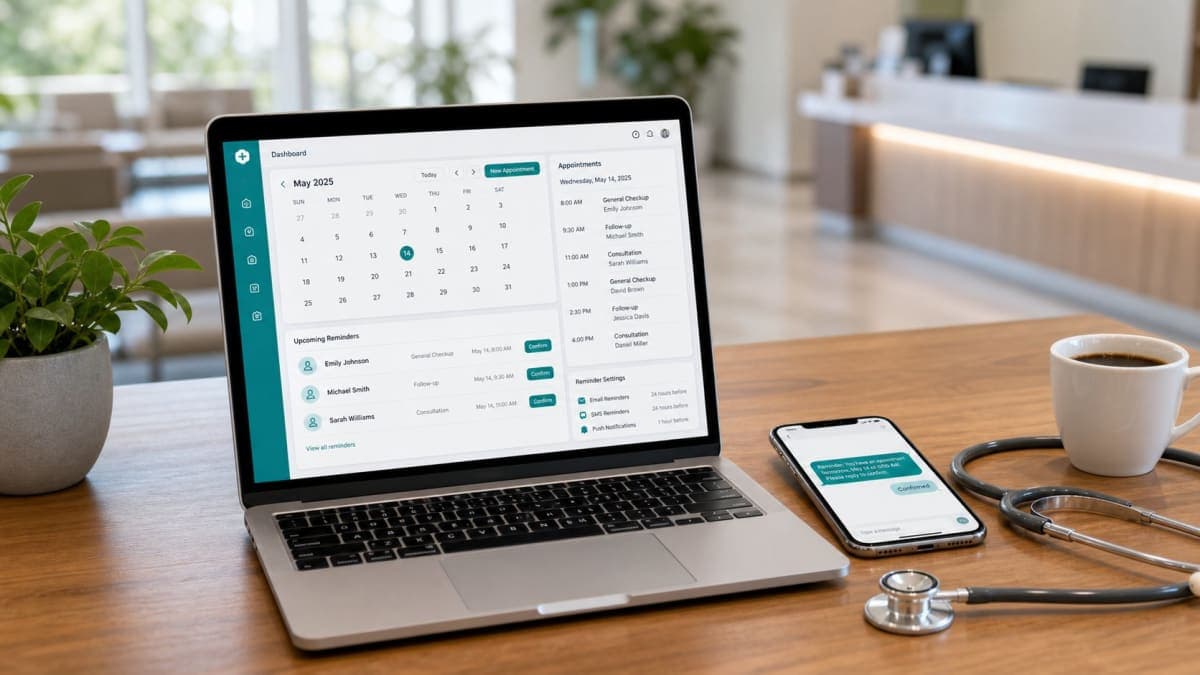
Orvexify is a booking page plus email reminders. Patients tap Confirm or Cancel in the mail. No patient app. No SMS. WhatsApp on Growth and Pro is coming soon. We do not publish a 70% figure. Your diary is the score.
A blast does not know they already answered
A blast is one template, N times.
It assumes every name on tomorrow’s list is in the same state. They are not.
- Some never opened anything.
- Some opened and did nothing.
- Some said they are coming.
- Some gave the hour back at 4pm.
If you still send all four groups the same body, you taught them the first tap did not matter. Staff will not trust the dashboard either. They will phone the confirmed list “just in case,” which is the old system with extra postage.
The product question is simple: after this visit changes state, what is allowed to leave the clinic.
Three next emails, not one
Keep the visit in one of three buckets. The bucket decides the next mail. Opens can still log. Opens do not pick the template.
Pending
No Confirm. No Cancel. The slot is still in the diary. You do not have a commitment.
The next mail — if there is still time on the clock — still asks. Confirm and Cancel stay in the 24-hour mail and in the 2-hour mail. That is the only group those buttons are for.
Silence after the 24-hour mail is not a reason to invent a fourth status. It is still pending. Ask again at two hours. Do not pretend the unopened ones are “not coming.” Plenty of people walk in who never tap.
Confirmed
They already answered the question.
Do not ask it again. A second Confirm is noise. A Cancel sitting under a “thanks, see you soon” is a trap: one thumb on a phone in a car park and the 10:00 you planned is gone, often too late to refill.
On Orvexify, confirmed visits skip the 2-hour Confirm / Cancel ping. They get one 30-minute note: date, time, clinic name. Once. No buttons. That note is a last look at the clock, not a new debate.
If your vendor still puts Cancel on a mail thirty minutes out, you did not buy a reminder. You bought a last-second hole in the list.
Cancelled
They gave the hour back. The sequence is over.
Do not send the 2-hour mail. Do not send the 30-minute note. Do not send “we still have you down.” That message is how a clinic looks like it does not read its own board.
Cancelled is a list for a human this afternoon — offer the slot if there is time. Orvexify does not text the next patient for you. There is no live waitlist ping. A person looking at Cancelled is the whole refill process today.
If they cancelled, stop. That is the feature.
Why asking again after Confirm is worse than silence
Clinics add extra “are you sure” mails because a confirmed patient still no-shows sometimes.
That is a real problem. It is not solved by another button.
People who tap yes and do not come are a clinic habit: they say yes to get the mail off the screen. Another Confirm does not catch them. It trains the honest ones that Confirm was a draft.
Worse: the extra Cancel is now in reach. A parent who confirmed last night, then hit traffic, taps Cancel at 9:40 for a 10:00. You did not recover a slot. You recovered a sentence. The room was already theirs.
If confirmed no-shows are common in your diary, that is not a reminder bug. Call that small group by name. Do not punish everyone else with a second questionnaire.
Why mail after Cancel teaches them not to bother
A patient who cancelled at 3pm and still gets “your visit is tomorrow at 10” at 8pm will do one of three things:
- Ignore you next time, because the clinic did not notice.
- Call the desk to say it again — the thing you were trying to stop.
- Show up anyway, confused, because the last mail “confirmed” them back.
None of those help the chair.
Stopping the sequence is not a courtesy. It is how Cancel becomes a fact instead of a suggestion.
The same is true if staff cancel the visit from the dashboard. Remaining reminder emails for that visit should not go out. The patient already knows, or the desk already told them. Another automated ping is how you create a fight at the door.
The first tap locks the board
Two people in a house. One taps Confirm. Later someone opens the old mail and taps Cancel.
If the software rewrites status every time a button is hit, the morning list lies.
Orvexify’s rule: after Confirm or Cancel, the current status does not change again. Opens can still count. A later tap on an old thread does not flip the visit. The first real answer is the one the desk plans on.
That is ugly in the one case where the first tap was the wrong person. It is less ugly than a board that oscillates until 9:55.
Do not confuse this with open tracking. An open must never promote pending to confirmed, and it must never undo a cancel. That argument lives on the opened-is-not-confirmed page. This page only cares that the answer, once written, stays written so the next mail can trust it.
What each state is for at the desk — for the sequence, not the pixel
This is not “sort by opened.” This is “what are we allowed to send, and what should a person do.”
Pending, and there is still a 2-hour window
The machine still asks. Staff do not need to call this group unless the clinic is small enough that one extra call is cheap. If you have spare hands after lunch, this is the group, not the confirmed names.
Confirmed
Plan the room. Do not “just check” by phone. The 30-minute note can still go. No new buttons.
Cancelled, and it is still yesterday afternoon or this morning
A person offers the hour. Software does not. If nobody looks, the Cancel only saved you a no-show. It did not save the revenue.
Cancelled, and it is already 9:50 for a 10:00
You cannot refill it. Stop mailing. Do not pretend a last ping will resurrect the slot.
Same-day bookings follow the same states. They just have fewer mails because the clock ran out. Do not promise three emails for a visit booked 40 minutes out. The timing page is the clock. This page is what happens when someone answers in the middle of that clock.
Phone bookings use the same machine
If staff add the visit from the desk, the patient still gets the same emails. Pending still means no tap. Confirm still locks. Cancel still stops the rest.
A public booking link is optional. A reminder sequence that only exists for “online bookings” is a second, worse process. The person who called in is the person most clinics forget to remind.
Patients still do not install an app. Confirm and Cancel still live in the mail. That flow is confirm from email, no app. This page does not repeat it.
What this is not
- Not a 70% badge, 500 clinics, or 99.9% uptime.
- Not SMS. We are not building it.
- Not WhatsApp as a live channel. Growth and Pro can buy the plan today; WhatsApp reminders are still coming soon.
- Not live reschedule from the email. Confirm and Cancel are the taps. A cancelled slot is offered by a person, not by a “pick a better time” button we have not shipped.
- Not an EMR. Booking page, email reminders, dashboard.
- Not “send them another copy if they did not open.” That is a blast. Pending already gets the 2-hour ask. Confirmed does not need a reprint. Cancelled must not get one.
How Orvexify actually sends it
On how it works:
- 24-hour and 2-hour mails: pending visits, Confirm and Cancel in the email.
- After they cancel, remaining reminders for that visit stop.
- After they confirm, the 2-hour Confirm / Cancel ping does not go. One 30-minute note, no buttons.
- After Confirm or Cancel, status.current does not change again. Opens can still increment.
- Email is on every paid plan.
Starter is $14.99/month (two doctors, 300 appointments in a calendar month). Growth is $29.99. Pro is $69. All three are for sale. Yearly is ten times monthly — two months free. No card required to create an account.
Empty hours still cost. Use your own fee in the no-show cost calculator.
A week of sending the right next mail
- For seven days, after each Cancel, check that no later reminder left for that visit. If one did, your tool is a blast.
- After each Confirm, check that the next mail — if any — has no Cancel. If it has one, you are inviting a late hole.
- At 4pm, look only at Cancelled for tomorrow. Offer what you can. Do not wait for software to text the next name.
- Do not add a fourth “are you sure” template because two confirmed patients DNA’d. Name those two. Leave the sequence alone.
If you cannot tell pending from confirmed from cancelled on the screen, fix that before you buy more volume. Three identical emails will not create three states.
A Tuesday that only works if the mail changed
Twenty visits. Not a hospital.
Six already confirmed Monday night. Two cancelled Monday afternoon. Twelve still pending Tuesday morning.
A blast sends twenty copies of Confirm / Cancel at 8am. Two of those people already left. Six of them can now un-confirm by accident. Twelve were the only ones who still needed the question.
A sequence sends twelve asks, six short 30-minute notes later, and silence to the two who cancelled. Staff spend Monday 4pm on those two hours, not Tuesday 8am re-reading twenty identical pings.
No 70% slide in that story. Only whether the last tap was allowed to change the next mail.