Missed appointments are a growing challenge for urgent care and walk-in clinics. Even though many patients visit without booking, a significant number do schedule ahead — and when they fail to show up, the clinic loses revenue and leaves care gaps.
The result is more than an empty slot.
No-shows at urgent care clinics can reduce revenue, disrupt provider schedules, increase administrative workload, and make it harder for teams to serve walk-in patients who genuinely need attention.
The good news is that many missed appointments are preventable.
Patients may forget their visit, feel better and assume care is no longer needed, or struggle to change an appointment when their plans shift. A consistent communication strategy can address most of these problems before they turn into no-shows.
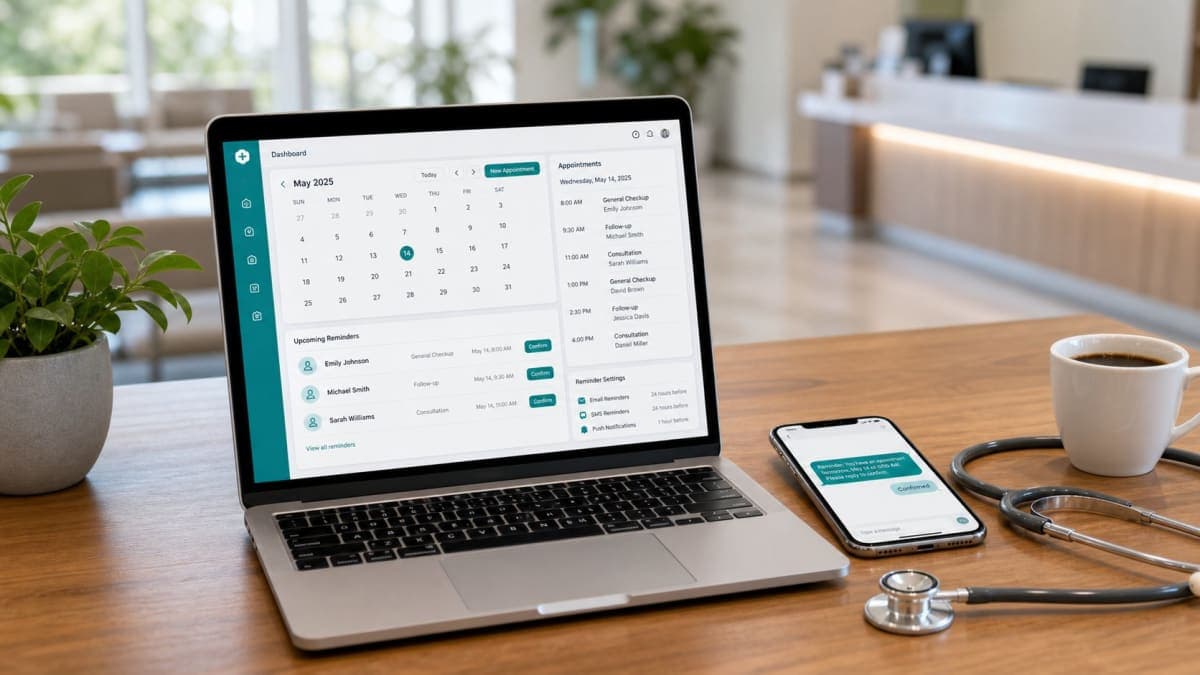
One of the most effective approaches is combining online scheduling with automated urgent care appointment reminders, convenient rescheduling, and timely follow-up.
In this guide, we'll explain how urgent care and walk-in clinics can reduce no-shows, improve attendance, and create a more reliable appointment workflow.
Why Do Patients Miss Urgent Care Appointments?
Before trying to reduce no-shows, urgent care clinics need to understand why they happen.
Not every missed visit has the same cause. Some patients genuinely forget. Others may have difficulty changing an appointment when their plans change.
Common reasons include:
- Forgetting the appointment date or time
- Feeling better and assuming care is no longer needed
- Deciding to visit a different clinic
- Unexpected work or family commitments
- Transportation problems
- Confusion about appointment details
- Difficulty contacting the clinic
- Lack of convenient cancellation options
- No reminder before the visit
- Assumption that walk-in is easier than the booked slot
Simply telling patients to "remember their appointment" is not enough.
Urgent care practices need a system that keeps patients informed without requiring staff to manually contact every person.
Our guide on why patients miss appointments covers the most common causes in more detail.
1. Send Automated Reminders Before Every Scheduled Visit
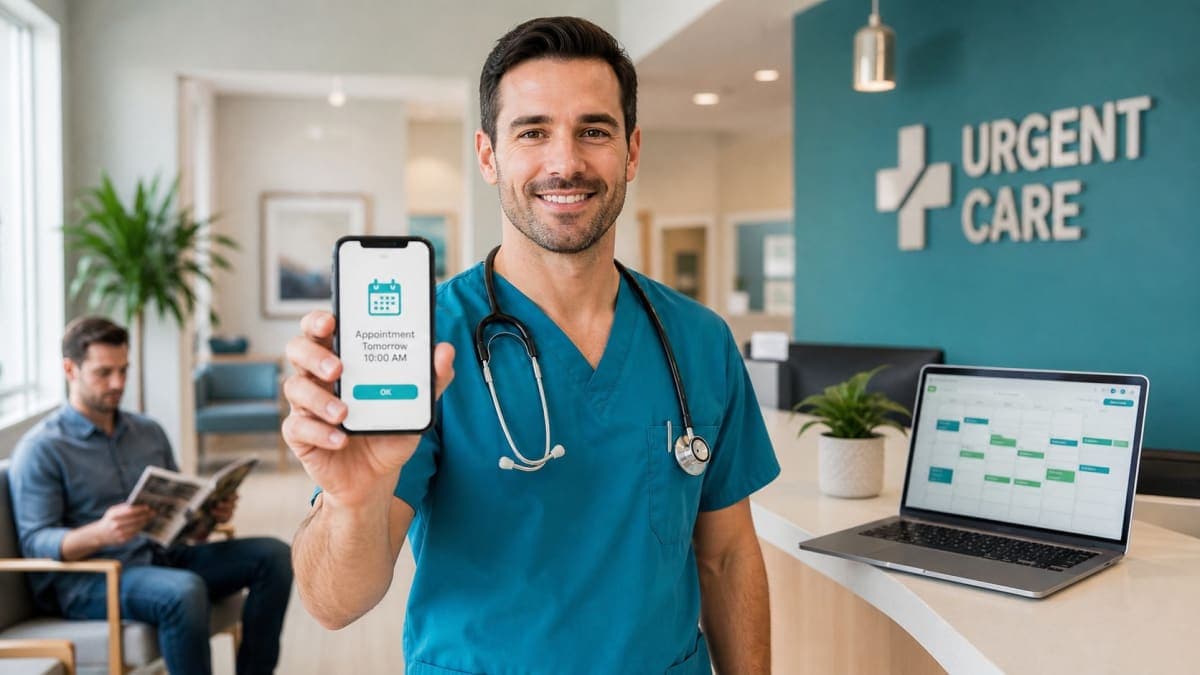
The simplest way to reduce no-shows at an urgent care clinic is to remind patients before their scheduled visit.
Instead of relying on patients to remember everything themselves, the clinic can use an automated reminder system to send notifications at appropriate times.
For example, an urgent care clinic might send:
- A reminder 24 hours before the appointment
- Another reminder a couple of hours before the appointment
The exact timing can vary depending on the clinic and the type of visit.
The important thing is consistency.
A reminder should clearly communicate:
- Appointment date
- Appointment time
- Clinic name and location
- What the patient needs to do
- How to contact the clinic if plans change
With automation, staff never have to remember which patients need reminders.
For a deeper look at how reminders work, our patient appointment reminders guide explains the complete process.
2. Use Multiple Reminder Channels
Different patients prefer different communication methods.
Some patients regularly check email, while others respond to WhatsApp messages within minutes.
For this reason, urgent care clinics can improve attendance by using more than one reminder channel.
Email reminders
Email works well for patients who want appointment information they can easily refer back to.
WhatsApp reminders
WhatsApp provides a more immediate experience for patients who regularly use the platform.
Using both channels helps clinics reach patients through the apps they already use every day.
Orvexify is designed around email and WhatsApp appointment reminders, allowing urgent care clinics to automate patient communication without relying on SMS.
3. Make Reminders Clear and Easy to Understand
A reminder is only useful if the patient understands it.
Avoid sending complicated messages filled with unnecessary information.
A good appointment reminder should make the important details immediately clear.
For example:
Your urgent care visit is tomorrow
Date: August 29
Time: 10:00 AM
Clinic: Example Urgent Care Center
If you need to reschedule, please contact the clinic.
The goal is simple: when a patient opens the reminder, they should immediately know when the visit is and what they need to do.
Clear communication removes unnecessary confusion and prevents avoidable missed appointments.
4. Give Patients an Easy Way to Reschedule
Not every no-show is intentional.
Sometimes a patient remembers the appointment but discovers that they cannot attend.
If changing the appointment is difficult, the patient may simply fail to show up.
Urgent care clinics should therefore make cancellation and rescheduling as straightforward as possible.
A good appointment workflow should allow patients to communicate with the clinic before the scheduled time.
This benefits everyone.
The patient gets a convenient way to change their visit, while the clinic has a better chance to fill the slot with a walk-in patient waiting for care.
5. Don't Rely Entirely on Manual Reminder Calls
Manual reminder calls can work for very small practices, but they become difficult to manage as appointment volume increases.
Imagine an urgent care clinic with dozens or hundreds of scheduled visits every week, on top of walk-in traffic.
Staff members would need to:
- Check upcoming appointments
- Identify which patients need reminders
- Contact each patient
- Record responses
- Follow up with patients who don't respond
- Update appointment records
This consumes valuable staff time.
An automated appointment reminder platform can handle much of this repetitive communication automatically.
Staff can then spend more time on patient care and other important clinic operations.
6. Send Reminders at the Right Time
Sending one reminder weeks before an appointment is not enough.
Patients can forget their visits even after receiving an early notification.
A better approach is to use reminders at strategically selected intervals.
24-hour reminder
This gives the patient enough time to remember the appointment and make changes if necessary.
2-hour reminder
This provides a final prompt shortly before the appointment.
The ideal schedule depends on the clinic and the type of visit.
The objective is to provide useful reminders without overwhelming patients with unnecessary messages.
7. Use Appointment Reminder Software
For growing practices, dedicated appointment reminder software can simplify the entire reminder process.
Instead of managing reminders manually, urgent care clinics can create automated workflows around their appointment schedules.
A modern reminder system can help urgent care clinics:
- Schedule appointments
- Manage patient information
- Send automated reminders
- Communicate through email
- Send WhatsApp reminders
- Reduce administrative work
- Monitor appointment activity
- Improve consistency
The biggest advantage is automation.
Once the workflow is configured, reminders are sent automatically based on the appointment schedule.
Clinics don't have to repeatedly perform the same manual task.
Automation also plays a big role in wider no-show reduction, as we explain in our complete guide.
8. Confirm Appointments as Soon as They Are Booked
The patient experience begins when the appointment is booked.
A good scheduling system should make it clear that the appointment has been successfully created.
After booking, the patient should know:
- Their appointment date
- Their appointment time
- The clinic location
- What happens next
- How they can get help if they need to change the appointment
This initial confirmation establishes a clear record for the patient.
Later reminders then reinforce the information.
Together, confirmation and reminders create a more reliable appointment communication process.
9. Balance Booked Appointments and Walk-Ins
Urgent care clinics are unique because they handle both scheduled visits and walk-in patients.
This creates a special opportunity.
When a patient cancels or misses a booked slot, the clinic can offer that time to a walk-in patient waiting for care.
A good reminder system helps the clinic know earlier which slots may open up, so staff can manage the balance between bookings and walk-ins more effectively.
The goal is to keep the schedule full while still caring for every patient who walks through the door.
For more on the scheduling side, see our guide on best clinic scheduling software for healthcare practices.
10. Make Booking Convenient for Patients
Appointment reminders are important, but the scheduling experience matters too.
If patients find the booking process confusing, they may be less likely to complete their visits successfully.
An online appointment booking system makes scheduling easier by allowing patients to select available times without repeatedly calling the clinic.
A convenient booking process combined with automated reminders creates a smoother patient journey:
Book → Confirm → Remind → Attend
This simple workflow reduces unnecessary friction for both patients and clinic staff.
How Automated Reminders Help Reduce Urgent Care No-Shows
Automation is particularly valuable because it removes the dependency on manual follow-up.
An urgent care clinic doesn't have to remember to send every reminder.
The system handles the repetitive communication according to predefined rules.
For example:
Appointment booked
↓
Appointment confirmation
↓
24-hour reminder
↓
2-hour reminder
↓
Patient attends visit
This workflow creates consistency across every scheduled visit.
You can learn more about the relationship between reminders and attendance in our guide on how automated reminders increase patient attendance.
Email vs. WhatsApp for Urgent Care Reminders
Both email and WhatsApp can be useful for urgent care appointment communication.
Email reminders
Email is useful when patients need a message they can search for later.
It can include detailed appointment information while keeping communication organized.
WhatsApp reminders
WhatsApp can be useful for patients who regularly communicate through the platform.
Messages can feel more immediate and convenient than traditional email.
Why use both?
Rather than depending on a single communication channel, urgent care clinics can use email and WhatsApp together as part of a broader reminder strategy.
This gives patients more opportunities to see important appointment information.
How Orvexify Helps Urgent Care Clinics Automate Reminders
Managing reminders manually becomes increasingly difficult as a clinic grows.
Orvexify helps urgent care and walk-in clinics automate appointment scheduling and patient reminder workflows.
The platform focuses on practical appointment management and communication, including:
- Online appointment booking
- Automated email reminders
- WhatsApp appointment reminders
- Appointment management
- No-show reduction workflows
- Patient communication
- Clinic reporting
Instead of staff repeatedly checking calendars and sending individual reminders, the workflow can be automated around scheduled appointments.
This allows urgent care teams to spend less time on repetitive administrative communication.
Why Urgent Care Clinics Should Track No-Shows
You can't improve what you don't measure.
Urgent care clinics should monitor appointment-related metrics such as:
- Total scheduled appointments
- Completed visits
- Cancelled appointments
- Missed appointments
- Rescheduled appointments
- Walk-in volume
- Reminder activity
- Attendance trends
Over time, these numbers can reveal where problems exist.
For example, if no-shows decline after introducing automated reminders, the clinic has useful evidence that the new workflow is helping.
Tracking performance also allows clinics to continue improving their reminder strategy.
How to Build a No-Show Reduction Strategy for an Urgent Care Clinic
A successful strategy doesn't need to be complicated.
Start with the basics.
Step 1: Make booking easy
Give patients a simple way to schedule visits.
Step 2: Confirm appointments
Immediately provide patients with their appointment details.
Step 3: Automate reminders
Send reminders before the appointment.
Step 4: Use appropriate communication channels
Consider email and WhatsApp based on patient preferences.
Step 5: Make rescheduling easy
Give patients a clear way to communicate changes.
Step 6: Monitor attendance
Track missed, cancelled, rescheduled, and completed appointments.
Step 7: Improve based on data
Identify patterns and adjust reminder timing or workflows.
This creates a repeatable system rather than relying on individual staff members to remember every task.
Common Mistakes Urgent Care Clinics Should Avoid
Even clinics using reminder systems can make mistakes.
Sending too many reminders
Too many messages can annoy patients.
The goal is useful communication, not constant communication.
Sending reminders too early
A reminder several weeks before an appointment may be forgotten.
Use reminders closer to the appointment as well.
Making messages unclear
Patients shouldn't have to search through a long message to find their appointment time.
Relying only on manual calls
Manual calls require staff time and are difficult to scale.
Ignoring cancellations
A cancellation isn't necessarily a failure.
If a patient cancels early enough, the clinic may be able to offer that appointment to a walk-in patient.
Not measuring results
Without tracking attendance and no-show trends, it's difficult to know whether the reminder strategy is working.
Final Thoughts
Reducing no-shows at an urgent care clinic isn't about sending more messages.
It's about creating a reliable communication process that helps patients remember their appointments, understand the visit details, and take action when they can no longer attend.
For urgent care and walk-in clinics, a combination of online scheduling, automated appointment reminders, email communication, WhatsApp reminders, and easy rescheduling can create a much more efficient workflow.
The most important step is to make the process consistent.
Instead of relying on staff to remember every reminder manually, clinics can automate the repetitive parts of appointment communication and focus their time where it matters most: patient care.
If you're looking for a simpler way to manage appointments and automated patient reminders, explore Orvexify and see how it can fit into your clinic's workflow.