The booking link is not the whole diary.
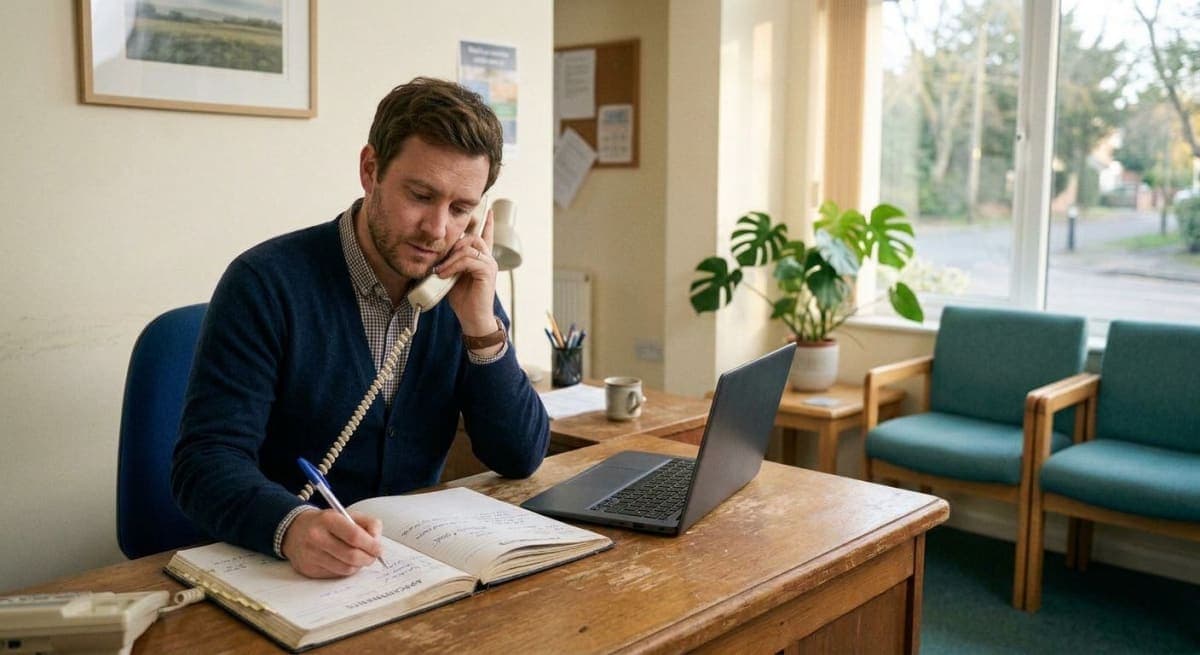
Someone still rings. Reception still writes a name, a time, and a clinician. That visit occupies a chair the same way a slot from the public page does. It no-shows the same way too.
A reminder product that only mails people who clicked a link is a reminder for the easy half of the book. The other half is the phone. If those visits never get the 24-hour, 2-hour, and 30-minute emails, you have built a second, quieter process: “we will call them tomorrow.” Tomorrow is the afternoon you already do not have.
This is not why 24 hours, 2 hours, and 30 minutes. That page is the clock interval. This is not which timezone the mail prints. Phone and link already share one zone — the clinic’s. This is not opened versus confirmed, and it is not what to send after they tap. Those pages assume the visit is already on the list with an email on the record.
This page is the visit that never used the link.
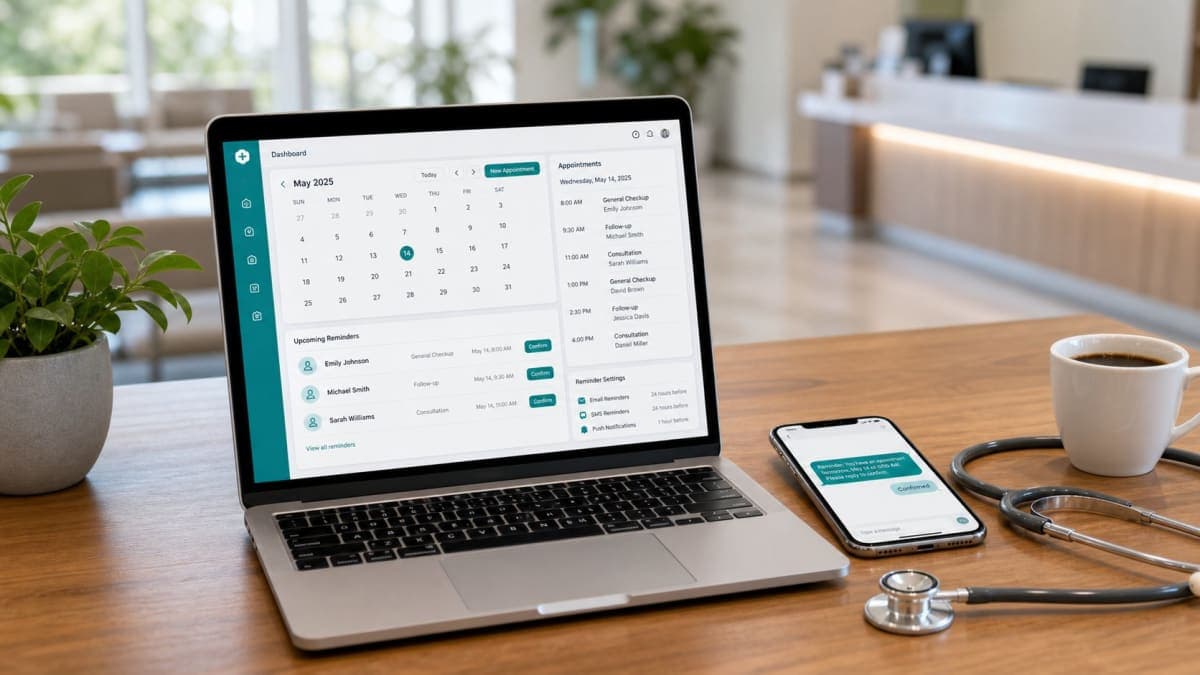
Orvexify is a booking page plus email reminders. Staff can add the phone bookings. Those visits get the same mails. Patients tap Confirm or Cancel in the email. No patient app. No SMS. WhatsApp on Growth and Pro is coming soon. Reschedule from the mail is not live. There is no waitlist that texts the next person when someone cancels. We do not publish a 70% figure.
The phone book is still most of the risk
Online booking is useful. It is not the whole intake.
A parent calls because the child is off school. A regular does not want another password. An older patient never opened the link you printed on the card. A referrer rings “can you see them Thursday.” Reception says yes, writes the slot, hangs up. The chair is taken.
That chair is now a no-show risk. Forgotten visits do not care how the slot was created. The patient who booked online might see three emails. The patient who booked by phone might see nothing except the scrap of paper they left on the kitchen counter — if they wrote it down at all.
Clinics then tell themselves a story: “They spoke to us. They will remember.” Speaking to you is not a reminder at 7am the next day. It is a conversation they had while looking for parking, or while a child pulled on their sleeve. By Thursday the call is gone.
If your software only reminds “online appointments,” you have trained the diary to protect the people who were already comfortable with a link, and to abandon the people who needed the most help remembering.
“We will just call them” is the reminder you already failed
The fallback is always the same. Reception will ring the phone list the afternoon before.
That list is why you wanted software.
A two-doctor morning is not eight names. It is eighteen, plus the person at the desk, plus the walk-in who is already arguing about a form. The call-down happens after the last patient, or not at all. Voicemail. Wrong number. “I will try again in the morning,” which is the morning of the visit, which is too late to refill the hour.
Email at 24 hours is the call you did not have to make. Email at 2 hours is the same-day conflict you would have learned from a voicemail at 1pm. Email at 30 minutes is the “I am in the car” note. None of that requires the patient to have used the booking page. It requires the visit to exist in the same system, with an email on the record.
If the only people who get those mails are the people who self-booked, the phone list is still your job. You did not buy a reminder layer. You bought a second diary.
Capture an email at the desk or there is nothing to send
Software cannot invent a destination.
If reception writes a name and a time and no email, the 24-hour mail has nowhere to go. The dashboard will show the visit. It will not show a confirmation. You will stare at Pending for a person who never received a thing.
The desk script is short:
- Name
- Who they are seeing
- Day and time (clinic local — that clock is a different page)
- Phone if you want it for the clinic’s own follow-up — Orvexify does not send SMS
Ask for the email the same way you ask for the spelling of the surname. Not as a marketing opt-in. As the address the reminder will use. “We email the time the day before, two hours before, and thirty minutes before. You can Confirm or Cancel from the mail. There is no app.”
If they do not have email, say so on the record. Do not type a fake address to make a required field happy. A bounce is not a reminder. A family member’s address is fine if they will actually open it — ask, do not guess.
People will say “just text me.” You can write the number in your own notes. This product does not text. SMS is not on the roadmap. WhatsApp on Growth and Pro is coming soon; it is not a reason to skip the email today. If they refuse email, that visit will not get the sequence. Be honest at the desk instead of promising a channel you do not run.
Staff-created and link-created are the same visit
On the dashboard they should be indistinguishable.
Same clinic timezone. Same 24-hour, 2-hour, 30-minute schedule. Same Confirm and Cancel on the 24-hour and 2-hour mails while the visit is still pending. Same 30-minute note with no buttons once they have already confirmed. Same silence after Cancel. Same rule that an opened mail is not a yes.
If the online visit gets a branded mail with the clinic name and the phone visit gets a sticky note, you will believe the online column and ignore the phone column. The empty chair does not care which column it came from.
Orvexify is built that way on purpose. The public booking page is one intake. Staff adding a visit is the other. After save, the reminder layer does not ask “how did this get here?” It asks “when is it, is there an email, has anyone tapped.”
Do not keep a paper book and the software and only type in the online ones. That is two diaries again. If they called, type it before you hang up — or immediately after, before the next ring. A visit that lives only in the appointment book until 5pm will miss the 24-hour mail if 24 hours away is 9am tomorrow.
Do not run two reminder systems
Clinics invent splits that feel tidy and fail.
- Online patients get the software. Phone patients get a call.
- New patients get the link. Regulars get nothing because “they know.”
- Morning list gets emails. Afternoon list is “we will see.”
- The clinician’s private calendar gets a ping. The patient gets nothing.
Regulars no-show. They have jobs, children, and other clinics. “They know” is how a Thursday regular becomes an empty 10:30 you could have offered to the person who rang at 8.
If a visit is on the clinic list, it gets the same mails. That is the whole rule. Exceptions are how the phone half goes dark.
A clinician texting from their personal phone is not a reminder system. It is a second channel you cannot see, cannot stop after Cancel, and cannot count as Confirm. When they go on leave, that channel dies. Put the visit in the product. Let the product mail.
The mail is still Confirm and Cancel — not a portal
Patients confirm from email. They do not need an app. That is true for a phone booking too.
Do not send them a “set up your patient login” after a five-minute call. You already have the slot. They already said they would come. The next job is a reminder they can answer, not an account they will not create.
The email should carry:
- Clinic name they heard on the phone
- Date, time, timezone
- Who they are seeing, if you have more than one clinician
- Confirm and Cancel while pending
- No App Store button
- No “reschedule” button — that tap is not live. If they cannot come, they Cancel. A person at the clinic offers the hour to someone else.
If they Confirm, the 30-minute note is a last look at the time, not another pair of buttons. If they Cancel, remaining mails stop. That state machine is already written. It must apply to staff-added visits the same way. A cancelled phone booking that still gets a 2-hour “see you soon” is how you annoy someone who already told you they are not coming — and how you miss the chance to refill.
There is no automatic waitlist. Cancel is a fact on the dashboard, not a text to the next name on a list. Someone at the clinic still has to offer the hour. The reminder’s job was to surface the cancel in time. It cannot do that if the phone booking never got the mail.
Wrong email, shared inbox, bounce
Front-desk capture is messy. Treat the mess as operations, not as a reason to skip email.
A letter swapped in the address, a work inbox that IT strips, a spouse’s Gmail they do not open on weekdays — those are why you glance at bounces, not why you go back to a paper list.
If a reminder bounces, the visit is still on the board. Pending is now “we never reached them,” which is different from “they saw it and did not tap.” Do not read a bounce as a quiet Confirm. Fix the address if you can. If you cannot, that is a visit with no reminder. It may still need a human call. At least you know.
Do not harvest those addresses for a newsletter. A reminder is transactional mail for a booked visit. Mixing clinic marketing into the 24-hour note is how it lands in spam and how you confuse consent. The desk asked for an email so they would not miss Thursday. That is the use.
What the dashboard should show for a phone booking
The same three facts.
- Pending — mailed, or waiting to mail, and they have not tapped. An open is not a yes.
- Confirmed — they tapped Confirm. The 30-minute note still goes, once, without buttons.
- Cancelled — they tapped Cancel. Stop. Offer the hour if you still can.
“Staff added this” is not a fourth status. It is intake history, if you even show it. Do not build a habit of ignoring staff-added rows because “we already spoke.” You spoke yesterday. The reminder is for the hours before the chair.
If the 24-hour mail has not gone out yet, it is because the visit is still more than 24 hours away, or because there is no email, or because something failed to send. Look. Do not assume the phone call replaced the sequence.
A Thursday that only works if the phone half is in the product
Twenty visits. Not a hospital.
Twelve came in on the link. Eight came in on the landline between Monday and Wednesday. Reception wrote seven of those eight into the software before hanging up, with emails. The eighth is still only in the paper book because the desk was already talking to the next caller.
Thursday 10:00 is the eighth. Nobody mailed them. Nobody called. They forgot. The chair is empty. Two of the online twelve had cancelled from the 24-hour mail on Wednesday night. Those hours were visible. One was refilled. The 10:00 was not visible as a risk because it was never in the system.
That is not a 70% story. It is one missing email on one staff-added row.
The fix is boring. During the call: type the visit, type the email, save. The 24-hour mail will go without another conversation. Confirm and Cancel will sit in that mail. The paper book can die when you trust the list. Until then, the paper book is how the eighth visit disappears.
What this is not
- Not “online booking replaces the phone.” The phone stays. The reminder must follow it.
- Not a patient portal, an EMR, or a hospital OS.
- Not SMS. Not a live WhatsApp reminder. Email is on every plan, including Free. WhatsApp on Growth and Pro is coming soon.
- Not live reschedule from the email.
- Not an automatic waitlist ping after Cancel.
- Not a 70% badge, a fake clinic count, or a first-100 offer.
- Not custom reminder timing as a product feature. The sequence is 24 hours, 2 hours, 30 minutes.
- Not a second timezone for “phone patients.” One clinic, one zone.
How Orvexify treats a staff-added visit
On how it works:
- Patients can book from the clinic link. No app, no patient login.
- Staff can add the phone bookings into the same list.
- Email reminders go out 24 hours, 2 hours, and 30 minutes before the visit — on every plan, including Free — for both kinds of row, if an email is on the record.
- Confirm and Cancel are in the mail. After either tap, the status does not flip again because someone opened the message later.
- Cancelled visits stop the remaining mails. They also do not count toward the monthly appointment cap. That does not refill the hour for you.
Free is 1 doctor and 15 appointments in a calendar month, no card. Starter is $14.99/month (two doctors, 300 appointments). Growth is $29.99. Pro is $69. All three paid plans are for sale. Yearly is ten times monthly. Create an account without a card.
Empty hours still cost. Use your own fee in the no-show cost calculator.
A week of putting the phone half on the list
- Count tomorrow’s visits. How many were booked on the phone? How many of those have an email in the system? The gap is the reminder you are not sending.
- Change the desk script so the email is asked before “see you Thursday,” not after the next call starts.
- Type the visit before you hang up. A paper line that waits until evening misses the 24-hour mail.
- Open the dashboard and look at a staff-added row the same way you look at an online one. Pending is not “we spoke.”
- When someone Cancels from a phone-booked reminder, treat it as a refill job for a person — not as proof you need SMS, and not as a waitlist you do not run.
Create an account if you want the phone half of the book on the same mails as the link. Pricing is one page. Email support is support@orvexify.com.